

The Operating System of a machine is probably the second most important thing in our world. The OS gives the instruction set to the hardware and that is where the PC/Device knows what it is suppose to do. There are many different types of Operating Systems in our industry. For instance Windows, Linux, Unix, MacOS (Linux Based) and so on. I am going to show you how to install Ubuntu Server in this article. If you would like to learn how to install a different OS let me know the only one I can do is MacOS, Sorry.
Here we go:
After you create your VM/USB Stick or connect via PXE Boot we need to initiate the OS install. In my case I am using a VM each method will have a slightly different process (Please be aware of that). I am installing Debian Bullseye and then we will continue from there.
Choose install Debian
Select English
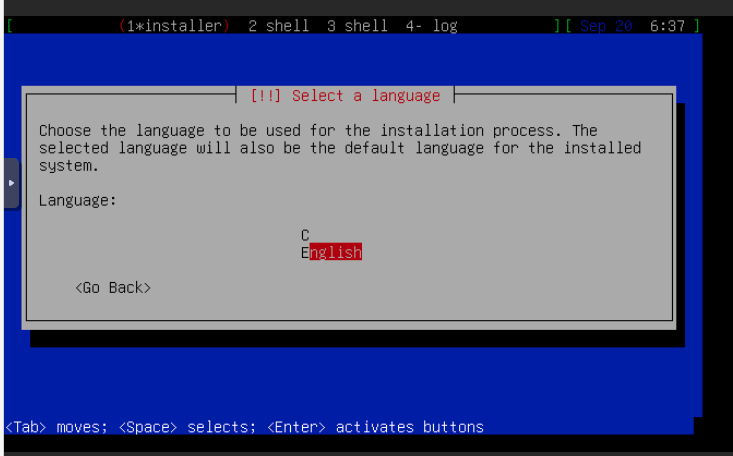
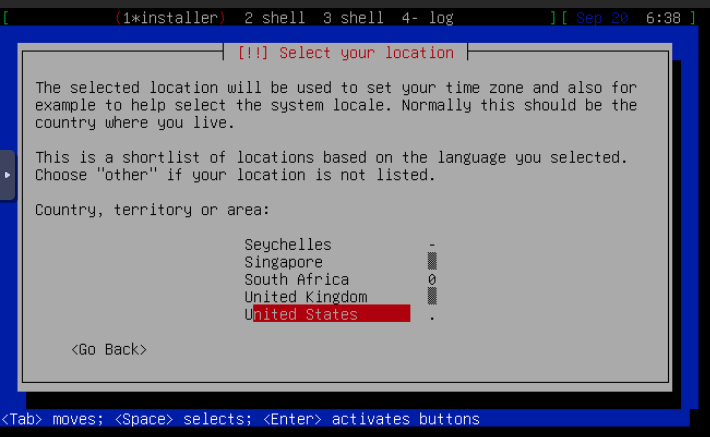
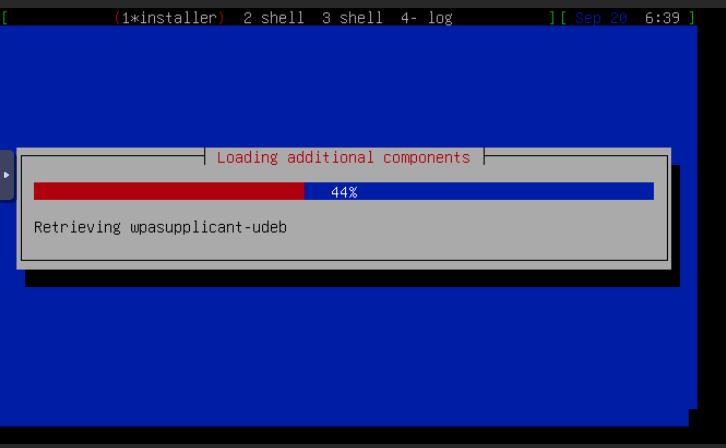
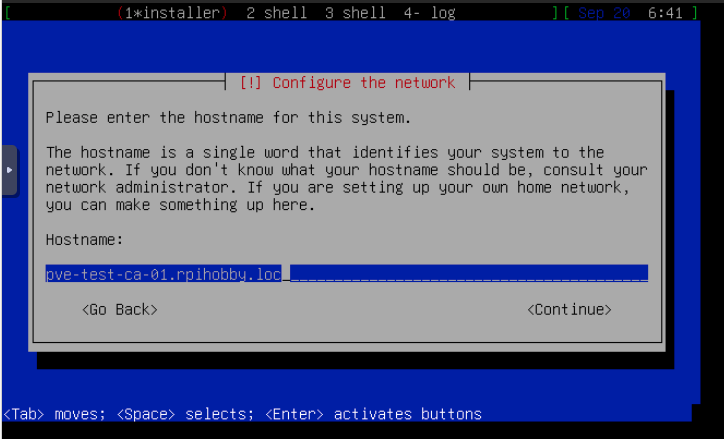
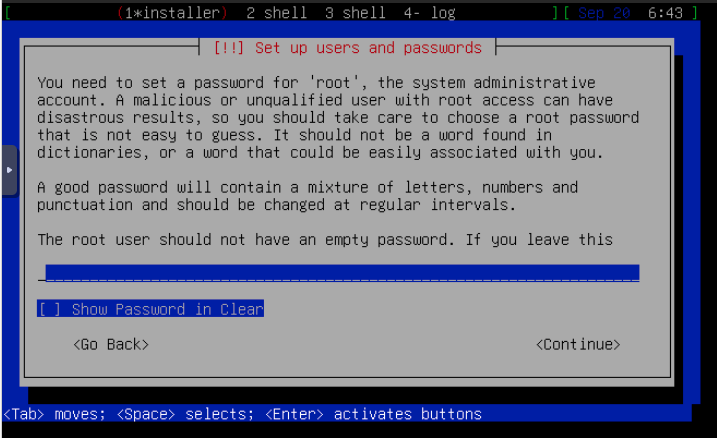
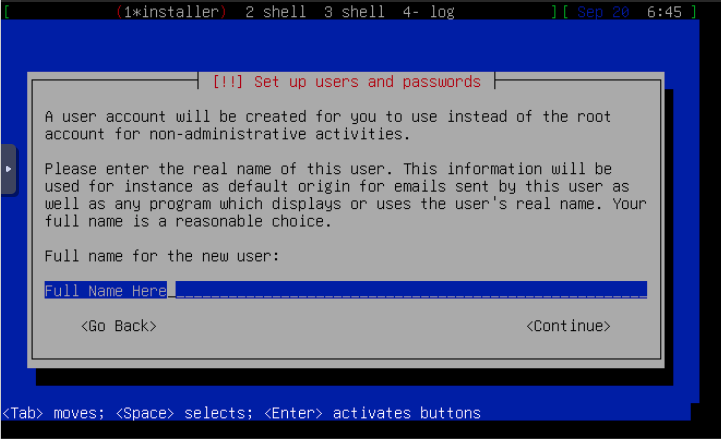
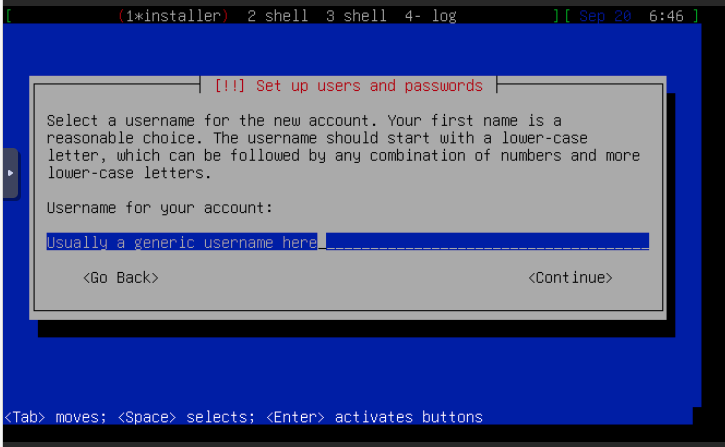
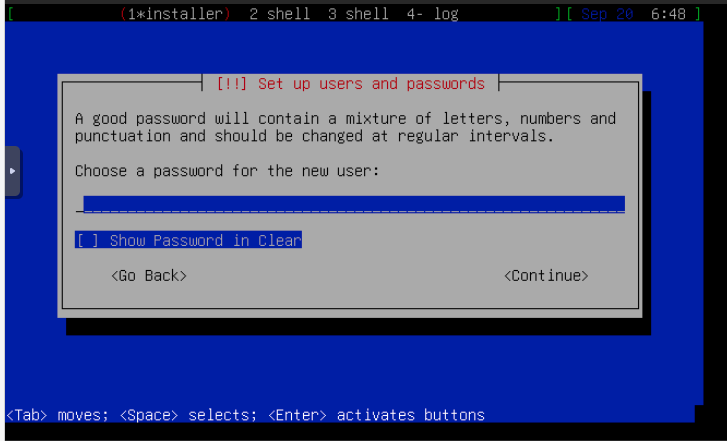
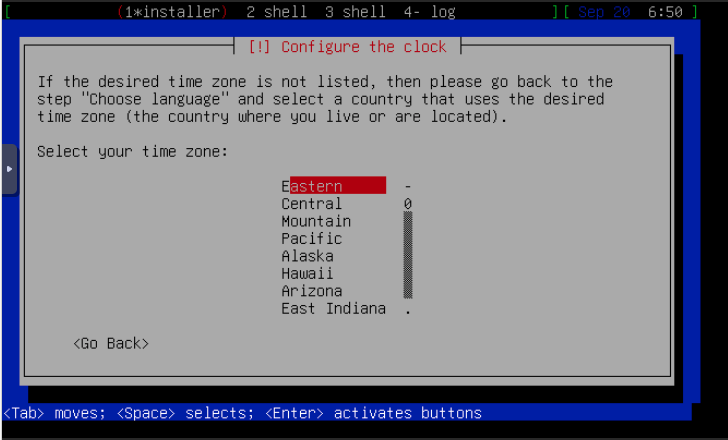

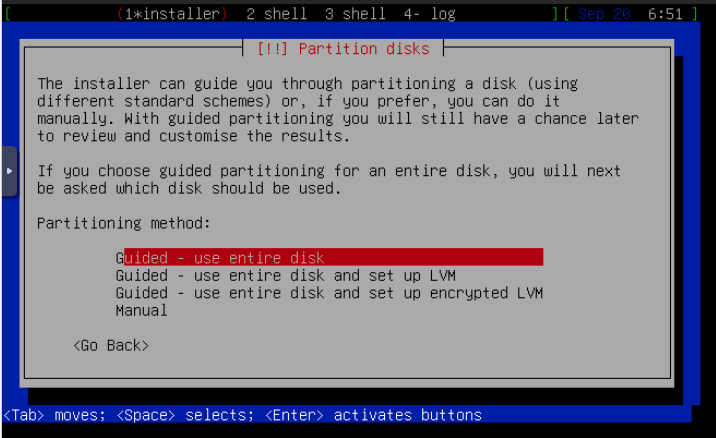
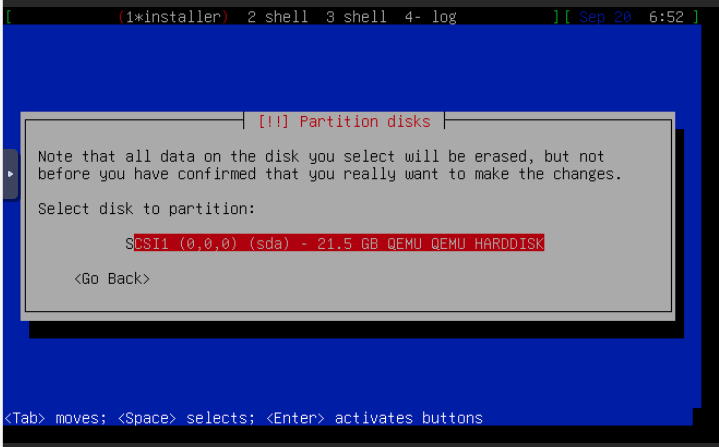
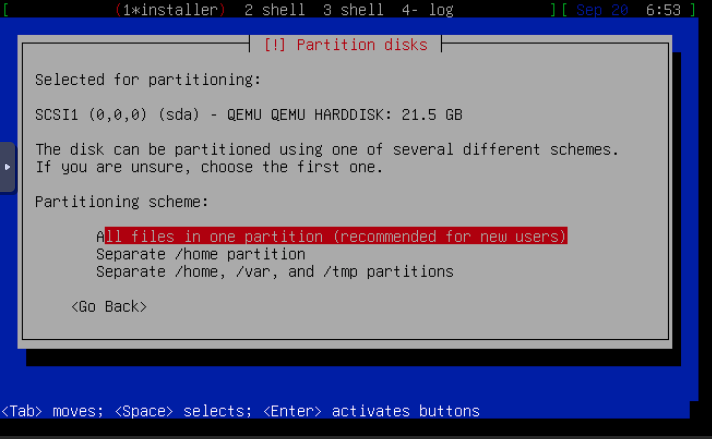
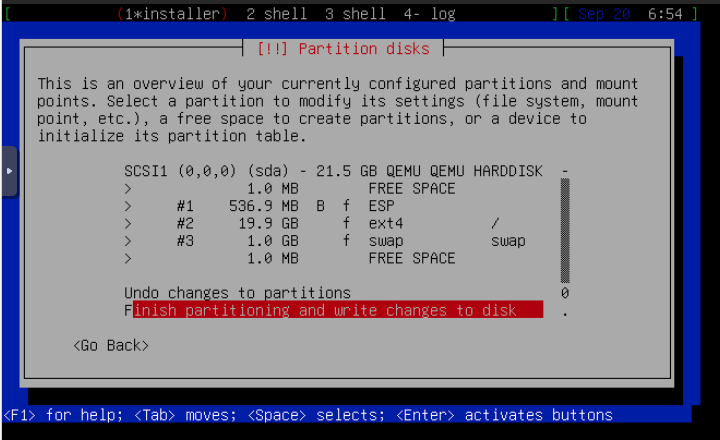
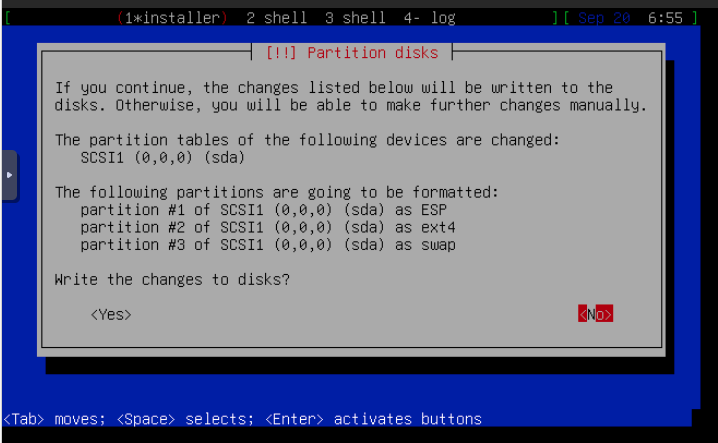
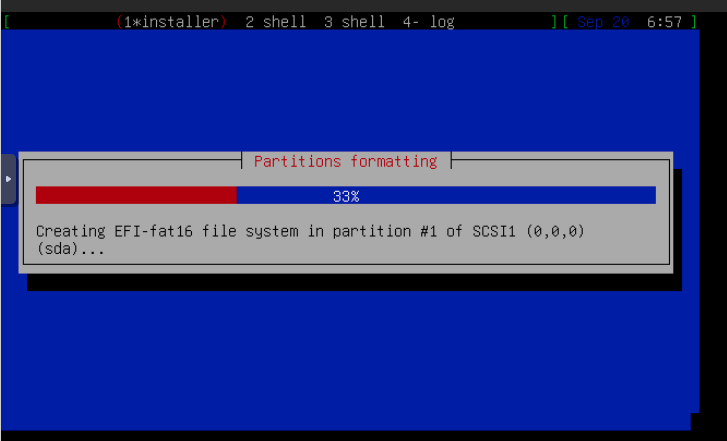
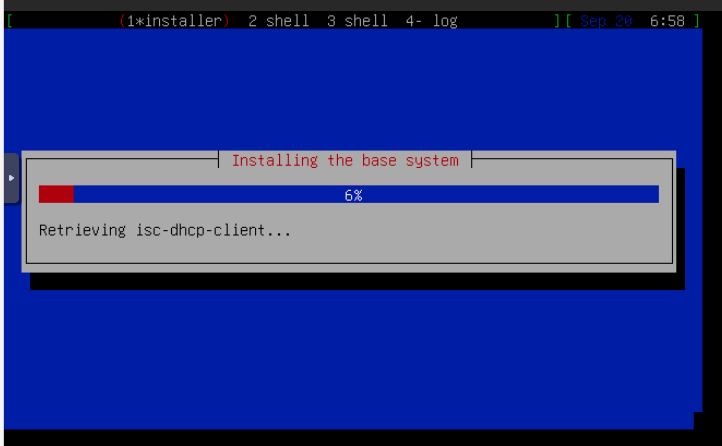


Once the install has completed, login either via the console or ssh in to the server.
1 – apt update && apt -y full-upgrade
2 – apt -y install curl wget nano net-tools nfs-common
At this point you have everything you need to start configuring your server. If you need some help or some advice let me know mcooper59@rpihobby.org
Thank you for reading and coming by, Have an awesome day.